


 IPTables Configuration: Rules and ExamplesChanging MTU on Windows and LinuxWorking with TCPDump: basics and filtersMeasuring Network Speed in Linux with Speedtest CLIDNS error “Temporary failure resolving…”: how to fix itHow to Collect Network Traceroute on Linux and WindowsMonitoring Network Traffic with VnStat
Linux Password Recovery
A method for manually recovering the password for a server running Linux.
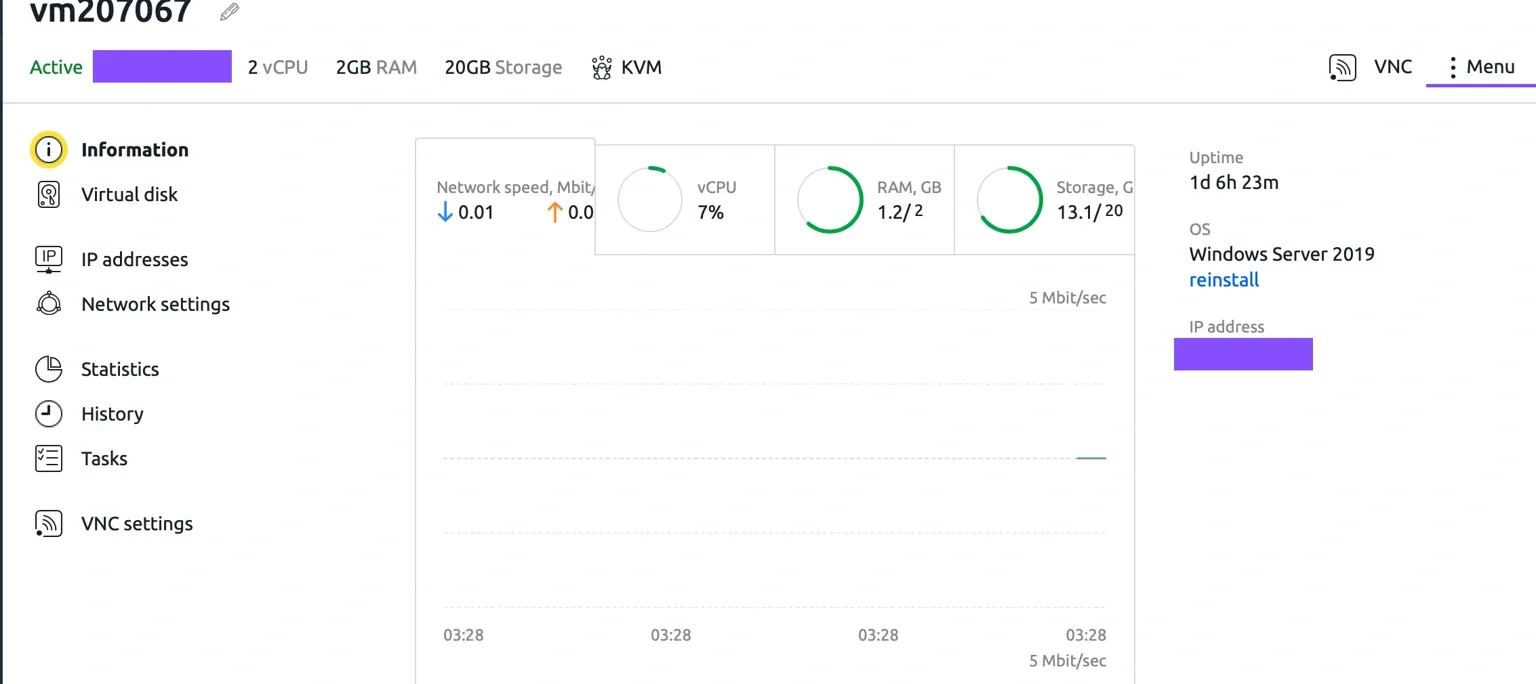
Let us assume that, as if by magic, we have lost access to the root user. First, we need to switch the server itself to recovery mode. Go to the VMmanager control panel and sign in with your account. From the list of virtual servers, select the one you need and open its page.

Here you can see the main information about your virtual service, but in this case we are interested in the "Menu" section.
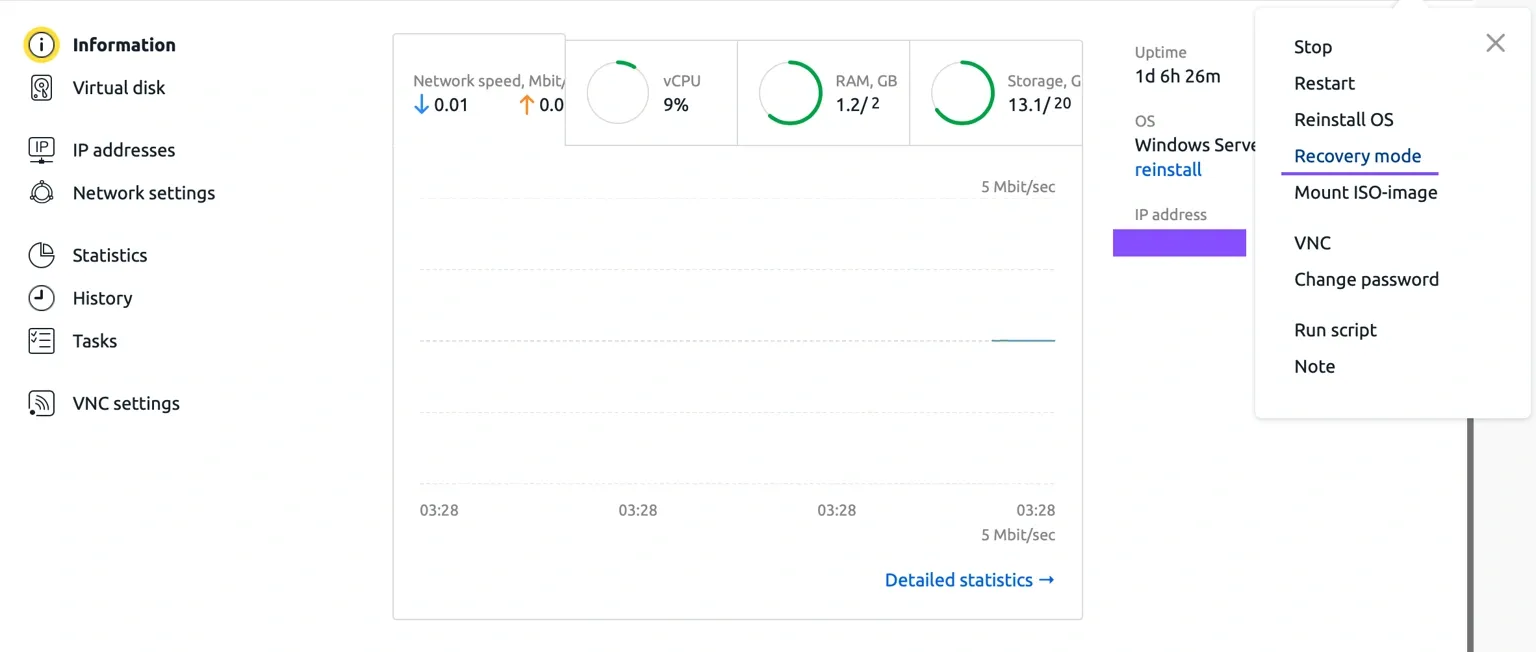
Click it and select "Recovery mode".
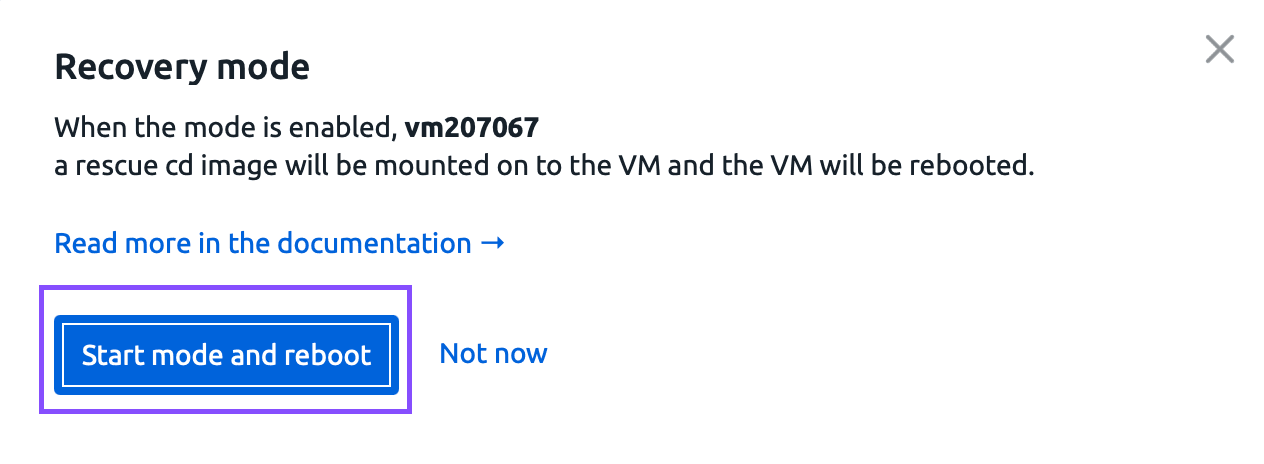
A warning appears stating that a SystemResqueCD image will be attached to the server and it will be rebooted. Confirm the action.
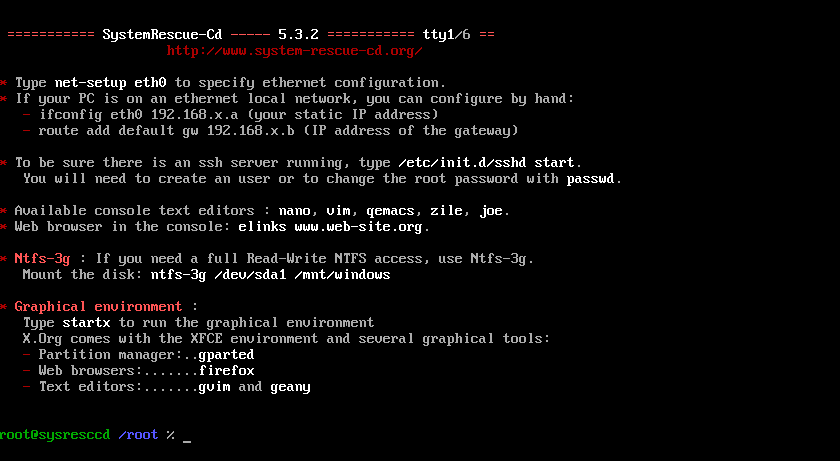
After clicking the button, the server starts booting in recovery mode.
Great, the server is ready.

Now try connecting to the server via VNC (note that SSH and sFTP are not available in this mode).
Use the " lsblk
" command to view all storage devices available on the server.
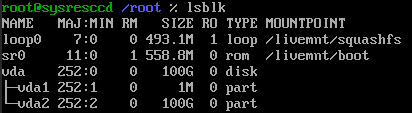
We need to mount the main vda2 disk partition. To do this, use the following command
mount /dev/vda2 /mnt

Done. Next, let us set a new root directory for further work.

After that, all that remains is to run the final command to change the root user password.

You will be prompted for a new password and its confirmation. Enter them. You will then see a message that the user password has been successfully changed.
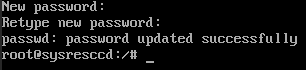
Now disable recovery mode and try connecting to the server.
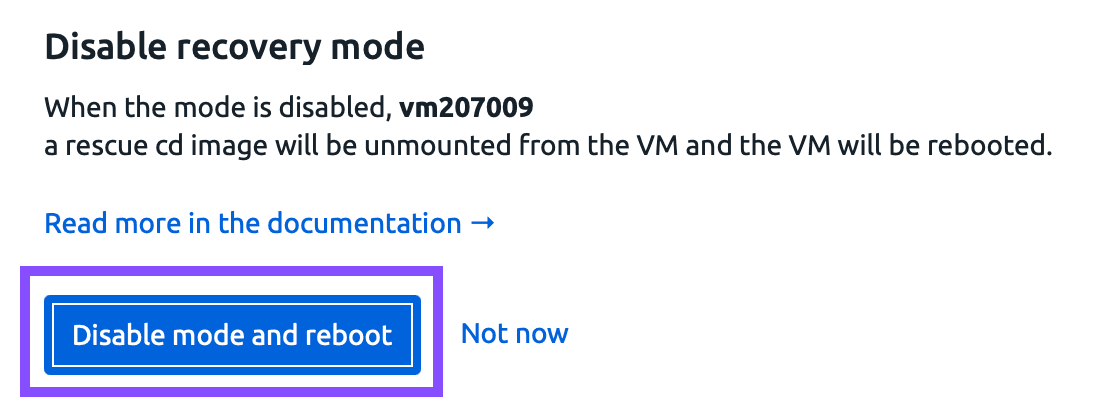

Connect to the server using the new password.