


Expanding Disk Space on Contabo VPS
This guide applies when you purchase additional storage space for services in the Contabo location.
Note that expansion is only possible within the same storage architecture (migrating from NVMe to NVMe or from SSD to SSD). If you switch, for example, from an NVMe drive to an SSD, a complete disk replacement with data removal is required.
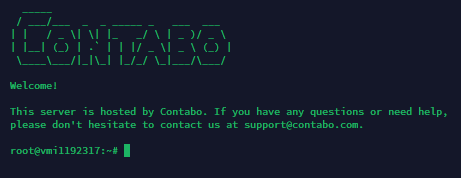
Connect to the virtual server. Then install the required software with the following command:
apt install cloud-utils -yRetrieve information about the system partition in use. In our example (and typically on all Contabo VPS servers) this is :
mount | grep ' / '
Now run the following commands to expand the disk:
sudo growpart /dev/sda 3
sudo resize2fs /dev/sda3
In both commands, the number "3" refers to the partition being used. Replace it with your own value if necessary.
Did not find the answer? We are online 24/7.Contact support