


Downloading Files in Internet Explorer on Windows Server
Many users have likely encountered the issue where the default Internet Explorer browser on Windows Server does not allow you to download the required file. Let’s fix that!
All steps in this guide are performed on Windows Server 2019.
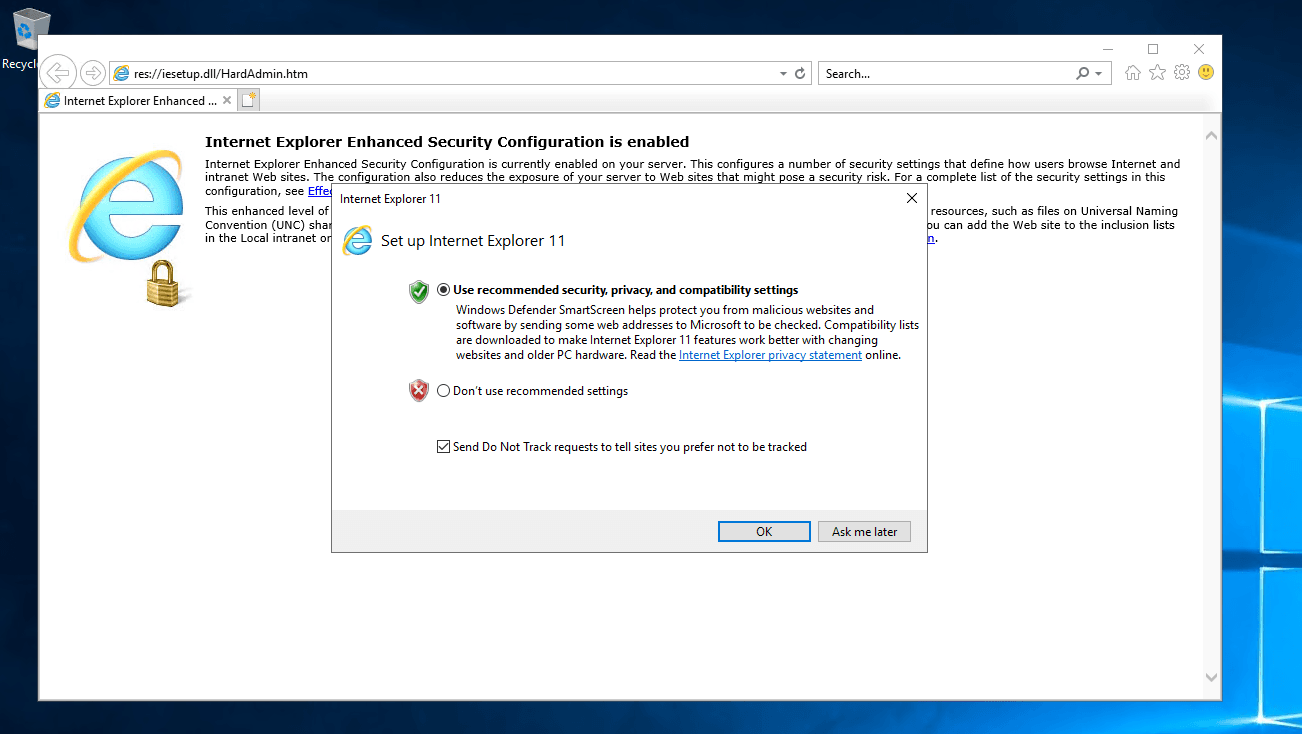
Connect to the remote server. Open Internet Explorer, select the recommended settings, and click OK.
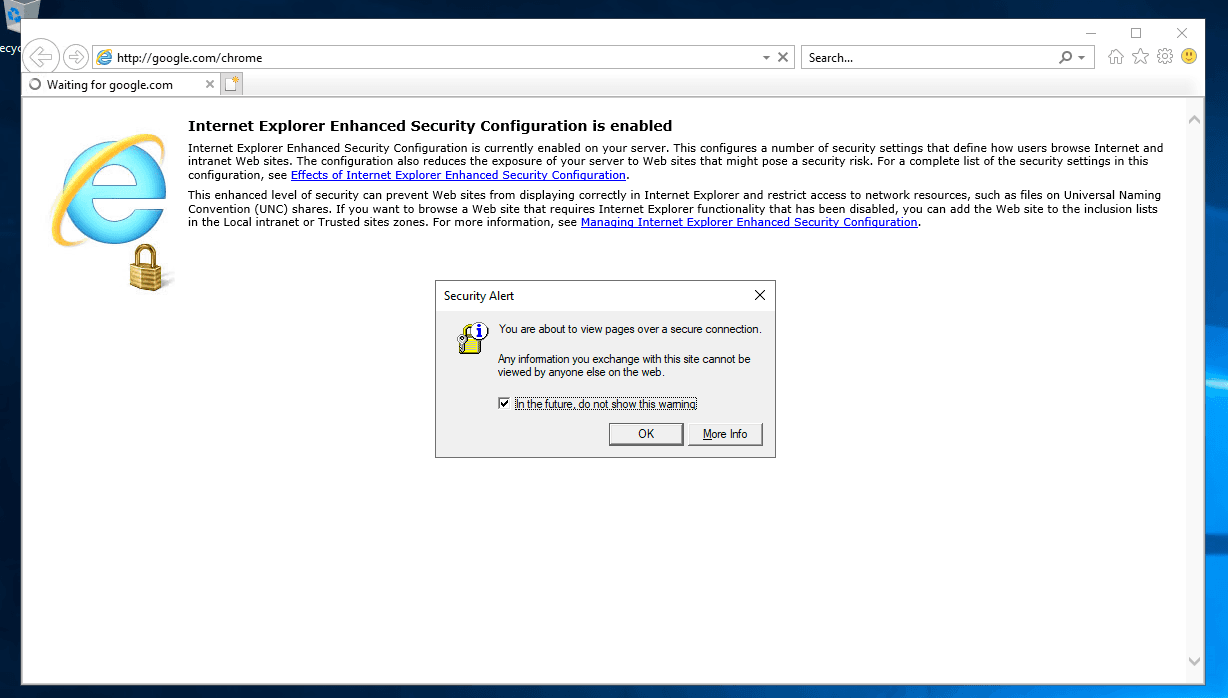
When you try to open a website, another warning appears. Leave the checkbox enabled and click OK.
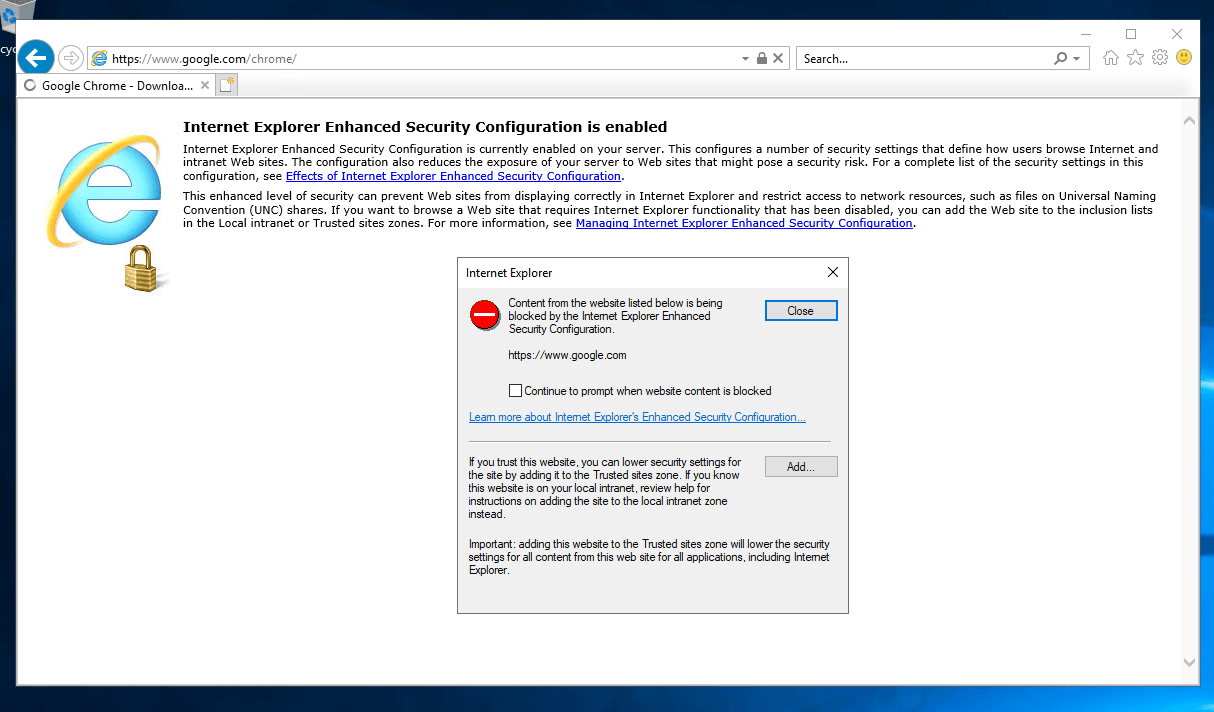
Next, Windows security also displays an error. Clear the checkbox that would continue to show such warnings and click Close.
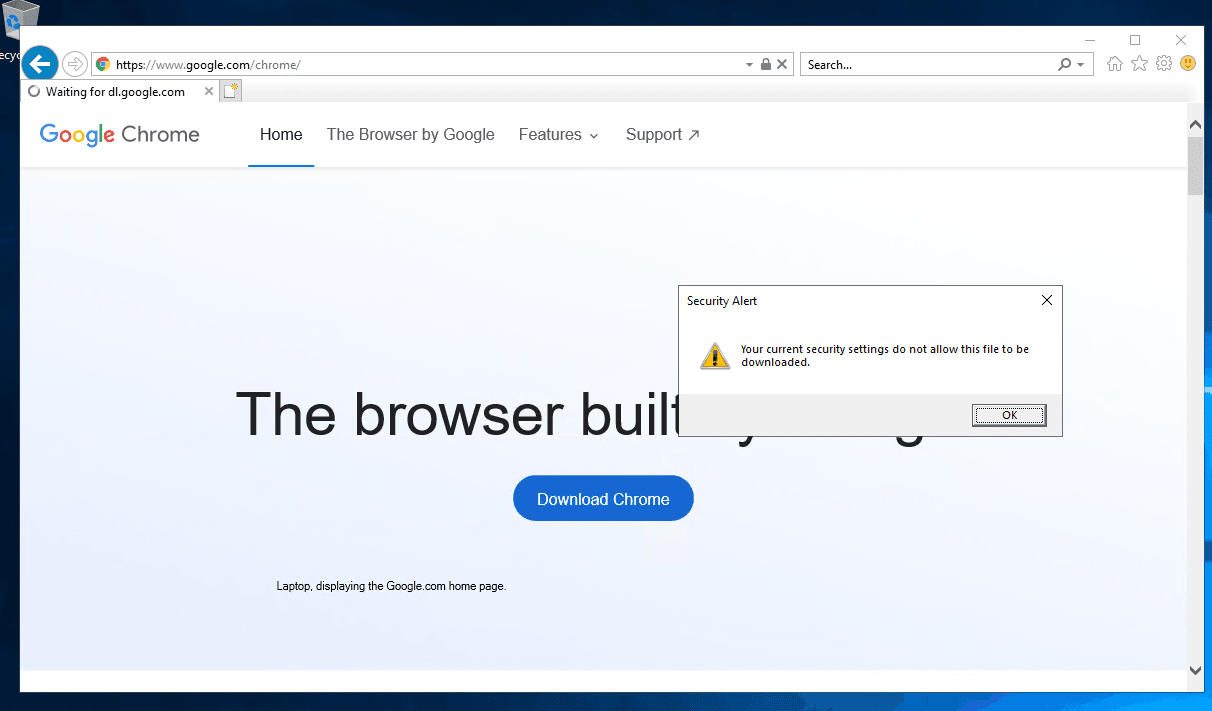
If you try to download a file, you will see a message stating that the current security settings do not allow this action. Click OK.
Next, click the gear icon in the upper corner of the browser window. Then select Internet options.
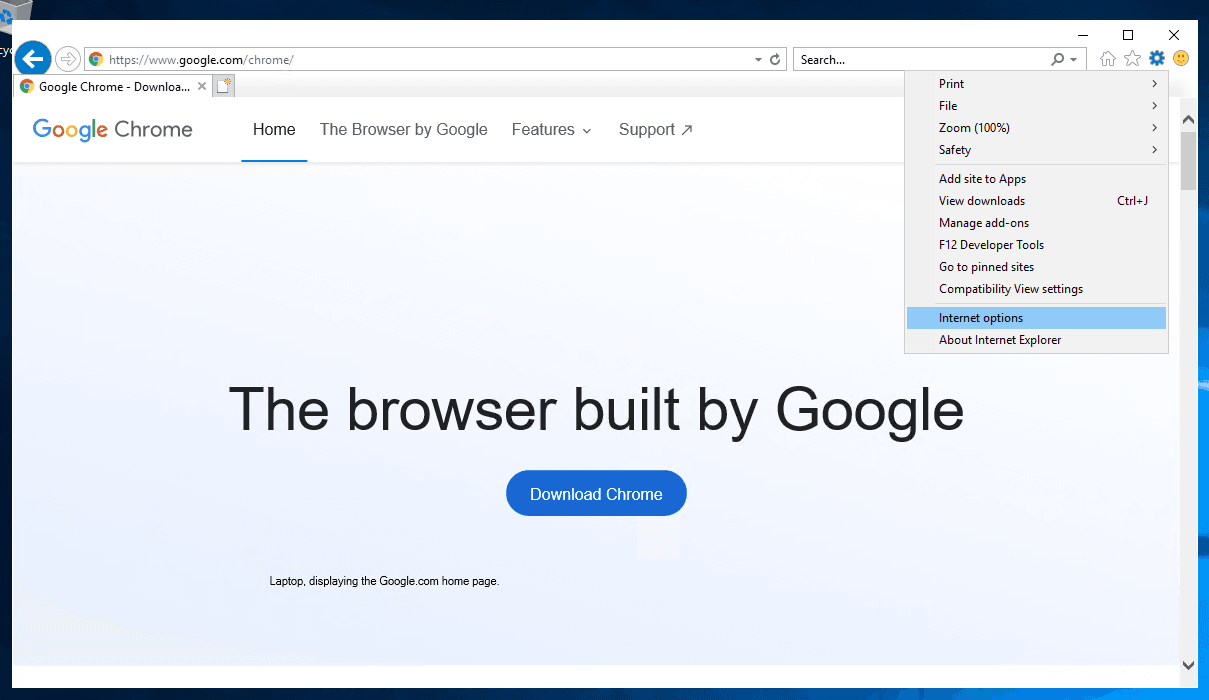
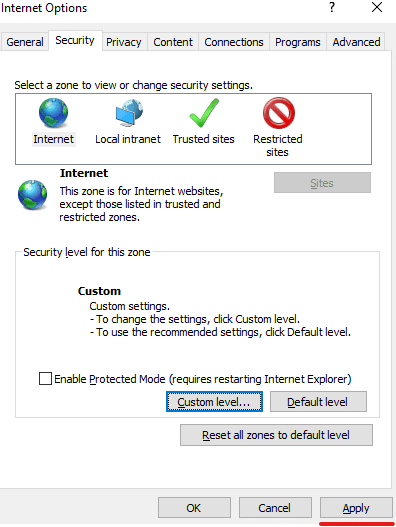
A settings window opens. Go to the Security tab.
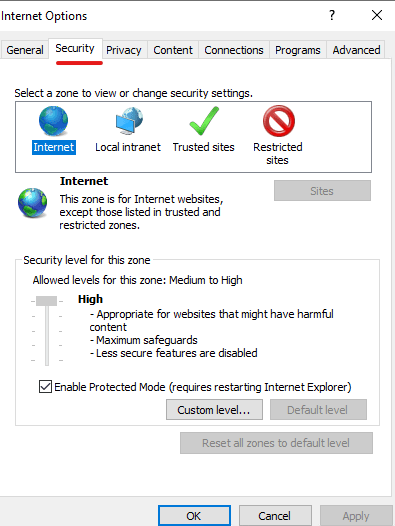
Clear the Enable Protected Mode checkbox and click Custom level. In the window that opens, scroll down and locate the following settings:
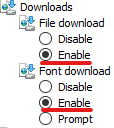
Set both of these options to Enable.
The first option enables downloading any files. The second option enables downloading fonts.
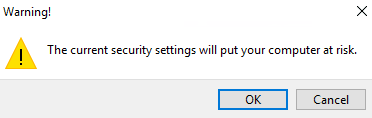
Then click OK to apply the settings. A warning dialog will appear:
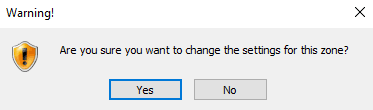
Confirm the changes by clicking Yes.
In the main settings window, click Apply to fully apply the changes:
Another warning will appear; confirm the changes and close the settings window.
You can now download any files from websites without issues. The first thing you should do is install a modern browser!

Did not find the answer? We are online 24/7.Contact support