


Account Verification (KYC)
#How to complete the verification?
Log in to your account via the following link: https://billing.spacecore.pro/
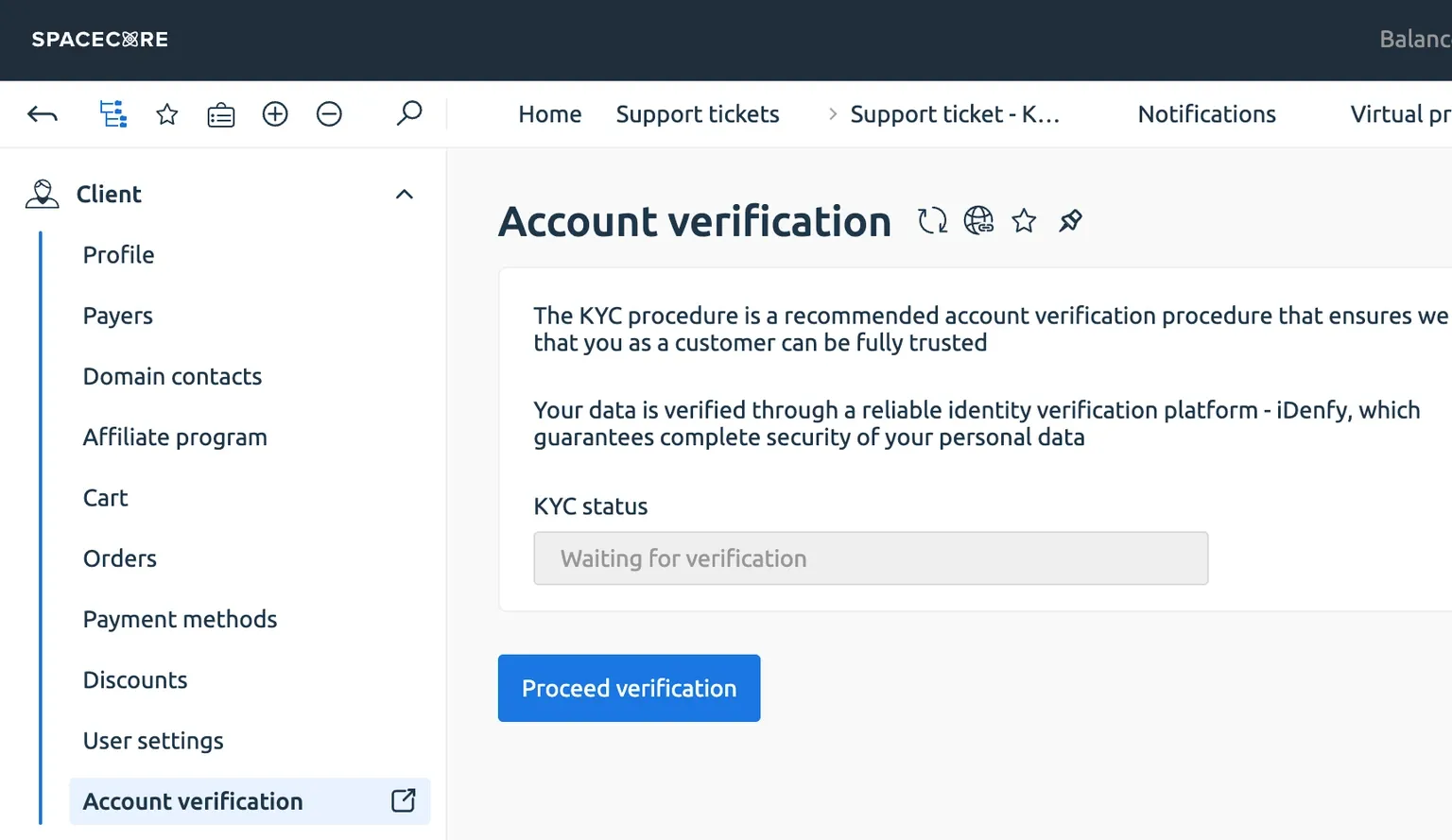
In the left-hand panel, expand the "Client" category. There you will see the "Account verification" button. Click it to start the process.
Then click "Request verification".
In the "Support" section, open "Requests list". A new ticket named "KYC" will appear there.

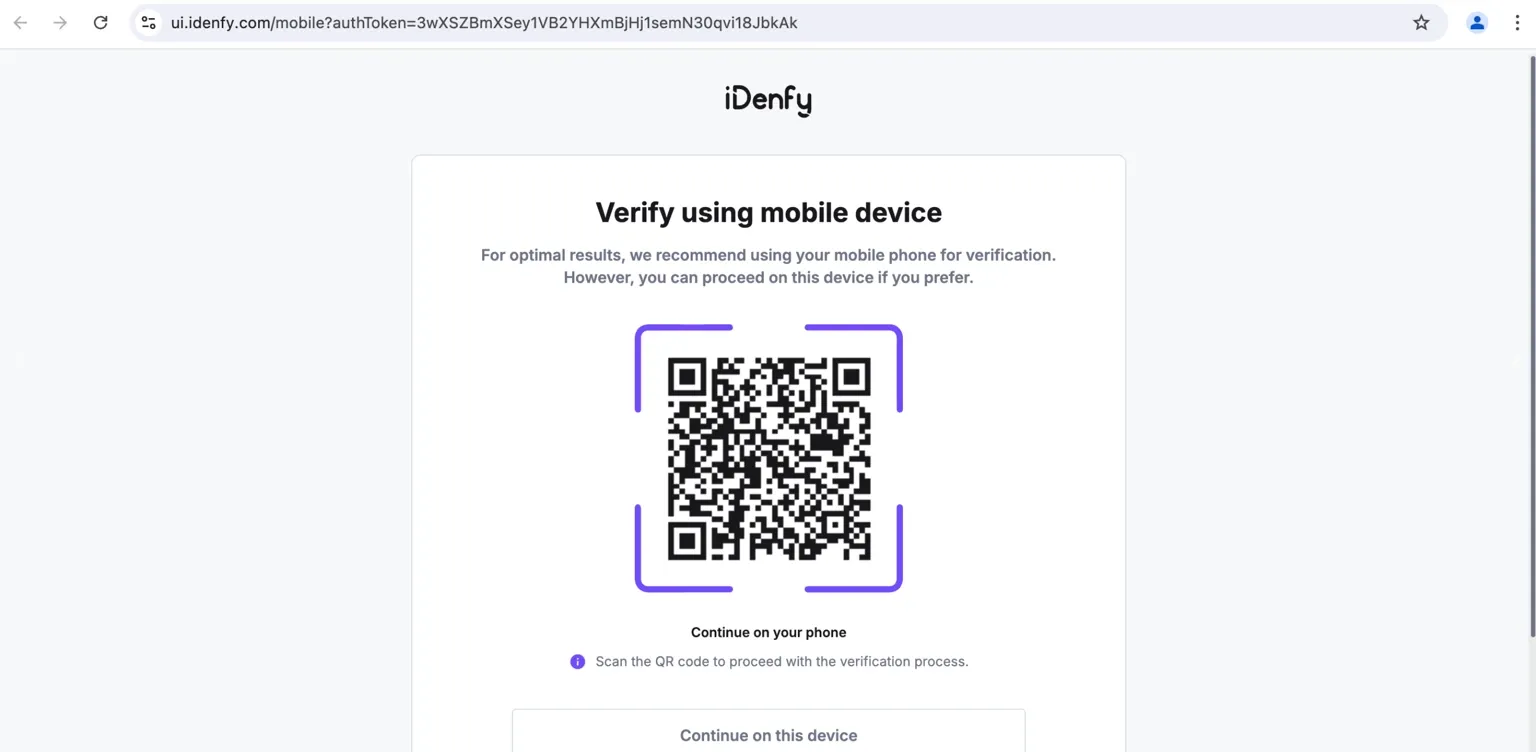
Open the "KYC" ticket and follow the instructions. A QR code will appear on the screen to continue the verification procedure.

If you are working on a computer, scan the code with your phone’s camera to continue the procedure on your mobile device.
Select the country of which you are a resident and the type of document that will be used to confirm your identity.
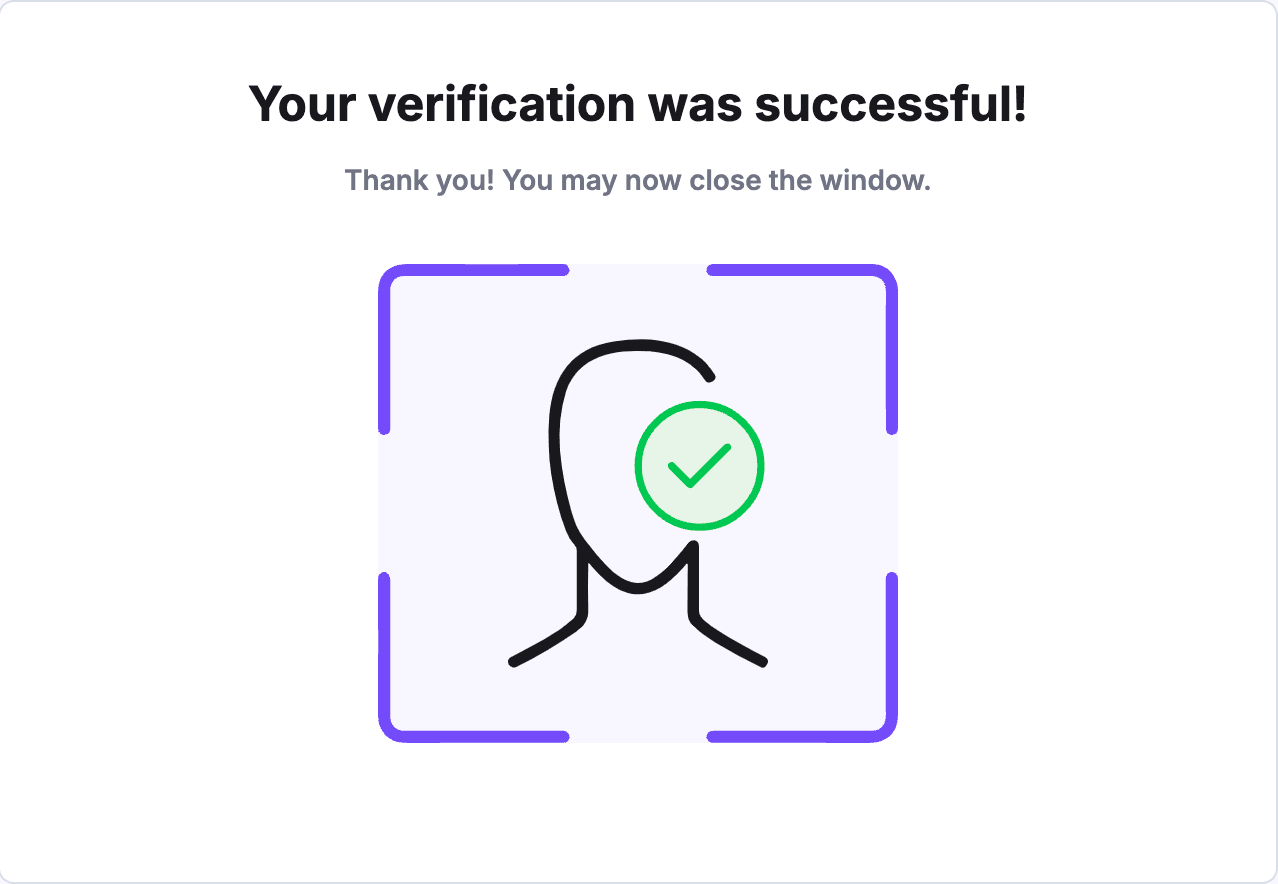
Once the procedure is complete, you will receive a notification about the result of the verification in the same "KYC" ticket.
If something goes wrong, an error message will appear. If you are sure that everything was done correctly, please contact our support team via the client area.
Did not find the answer? We are online 24/7.Contact support