As a result, we get the link "https://github.com/FaithfulTeam/Faithful/raw/releases/1.16.zip", and when you follow it, the file download starts immediately. This link can be used to install the resource pack on the server. Keep in mind that some websites may use temporary direct links that are not suitable for permanent use; they are usually very long and unreadable.
Now let’s look at the option of serving the file from a remote server. A VDS or a dedicated server will work for this.
You need to install a web server that will allow you to run a website on your machine. You can follow the guides " Installing Nginx" or "Installing Apache2". After installation, upload the resource pack file to the website root folder, for example via sFTP, and use a link like "http://server-IP/resourcepack.zip" for downloading.
As an example, we will use a well-known service, Google Drive, where we will upload our resource pack (stick to the 25 MB limit, we will explain this below). Now we need to get a link to our file — don’t forget to make it public.
Copy the link and go to the website. There you will see a section for generating direct Google Drive links. Paste the copied link into the first field and click the Generate button. A ready-to-use direct link will be generated, which you then need to copy:
Google Drive allows files of up to 25 MB to be downloaded without an antivirus check. If your resource pack is larger, an additional confirmation dialog will appear when attempting to download it, which effectively prevents the direct link from working.
After obtaining the direct link, we can move on. In this example, we will use the option with Google Drive.
Go back to the server.properties file and paste the prepared link into the resource-pack field:
Save the file and start the server.
After joining the game, you will see a dialog asking whether to download the resource pack.
Click "Yes".
The download of our resource pack will begin:
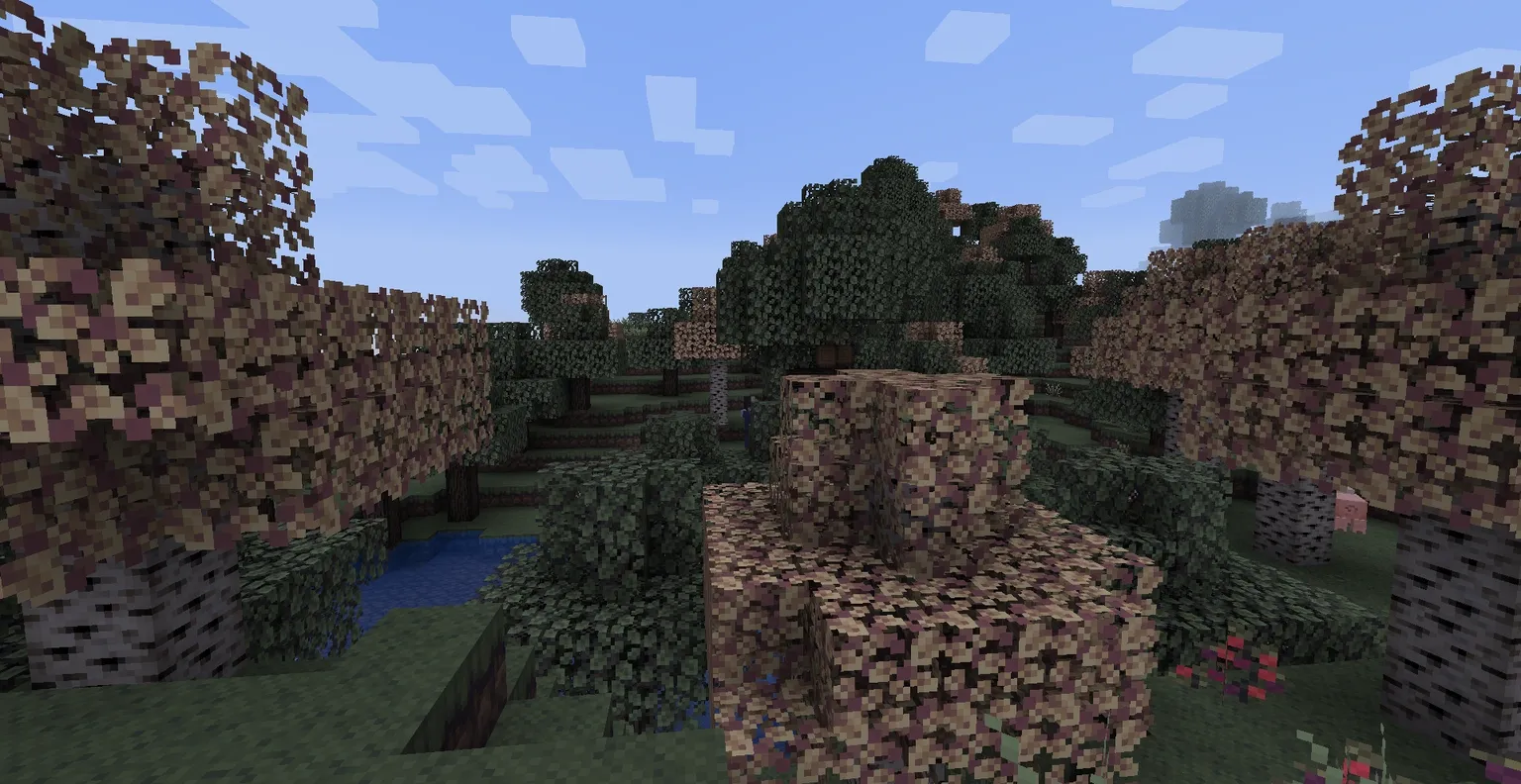
Done! The resource pack is installed, and now by default all players will receive a prompt to install it when they join the server.
Zoom in
The resource pack only works on the server itself; it is not installed into the client’s resource packs folder. To use it in singleplayer, the user has to download the pack separately.