


Measuring Network Speed in Linux with Speedtest CLI
Here you can clearly see how to measure network speed on VDS and Dedicated servers running Linux in the simplest and most effective way.
For installation examples, we will use the operating system Ubuntu 20.04 LTS.
#Proceeding to installation
First, we need to update the system package and repository lists using the following command:
sudo apt-get -y updateAfter a few minutes the process is completed, and next we need to install the curl utility:
apt-get install -y curlDone!

Now download the Speedtest software files:
curl -s https://install.speedtest.net/app/cli/install.deb.sh | sudo bashThe files have been successfully downloaded.

Next, run the following command to unpack and install Speedtest:
sudo apt-get install speedtestSpeedtest has been installed.
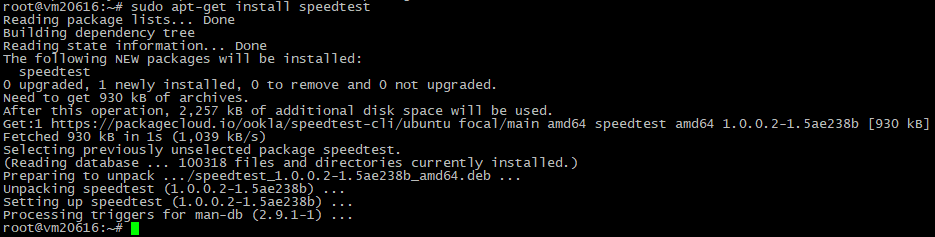
Now we can use a simple command to check the network speed:
speedtestRun the command and accept the license agreement.
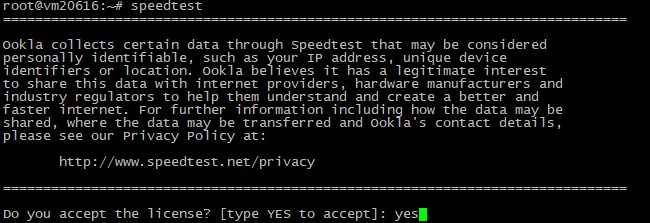
The network speed measurement process then begins.

Once the test is complete, you will be presented with detailed information about the results:

Did not find the answer? We are online 24/7.Contact support