IPTables Configuration: Rules and ExamplesChanging MTU on Windows and LinuxWorking with TCPDump: basics and filtersMeasuring Network Speed in Linux with Speedtest CLIDNS error “Temporary failure resolving…”: how to fix itHow to Collect Network Traceroute on Linux and WindowsMonitoring Network Traffic with VnStat
Control Panel
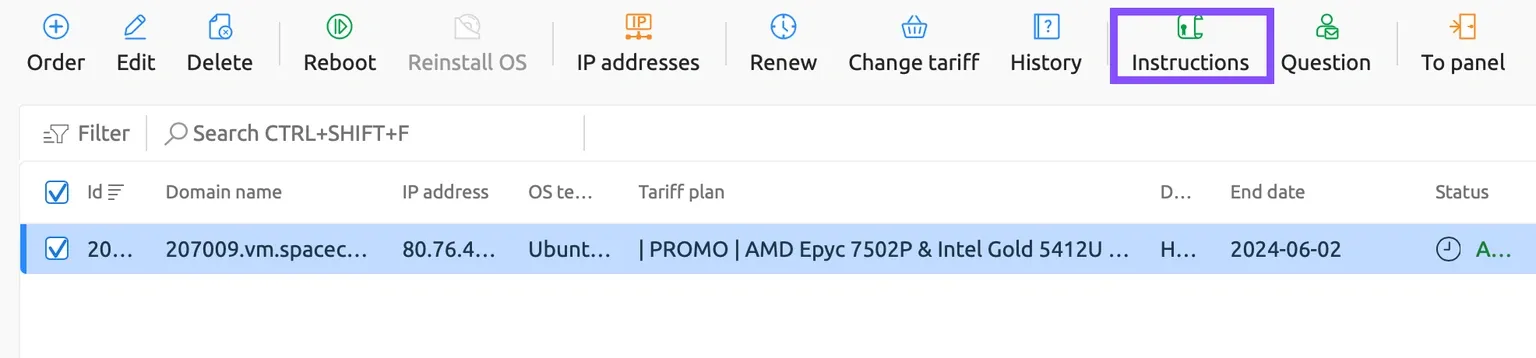
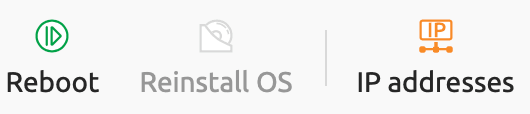
Once the server ordered in the Contabo data center has been activated, the " Virtual Servers " section will serve as a control panel for managing the service. Among the available actions you can, in particular, restart the server, reinstall the operating system, and change the root user password.
Changing the Password
When you click the corresponding button, a window will open where you can enter a new password. A strong password can be generated automatically. As noted in the description, after the operation is started it will take some time to apply the changes and reboot the server.
Restarting the Server
The restart process is quite simple and does not require detailed explanation. However, keep in mind that any unsaved data on the server may be lost.
Reinstalling the System
By clicking the reinstall button, you are taken to the page where you can select a new operating system.
No password is entered beforehand; it will be generated automatically. After the reinstallation is complete, the new password will be available in the window that opens when you click the "Instructions" button.