


Personal Account
Registration and access

Payments & Finance
Communications and Notifications
Notifications
Integrations and bots
Status & Reference (Policies, Limits, Terms)
Restrictions & Policy
Terminology and Metrics
Servers: VPS/VDS and dedicated
Start and management
Providers: Hetzner
Providers: Contabo
Linux: access, administration, security
Access and Accounts
Software and Environments
Backups and FTP
Networking and Diagnostics (Linux)
 IPTables Configuration: Rules and ExamplesChanging MTU on Windows and LinuxWorking with TCPDump: basics and filtersMeasuring Network Speed in Linux with Speedtest CLIDNS error “Temporary failure resolving…”: how to fix itHow to Collect Network Traceroute on Linux and WindowsMonitoring Network Traffic with VnStat
Windows: Access, Administration, Networking
Connection and Access
Web Stack and Databases
Languages and PHP Environment
Certificates and Domains
VPN & Privacy
Client: Access and Applications
Game Hosting: Minecraft
Server Setup
AI and ML
Model Deployment
Reselling
Disk Space Expansion
This guide applies when you purchase additional storage space for services in the Contabo location.
Note that expansion is only possible within the same storage architecture (migrating from NVMe to NVMe or from SSD to SSD). If you switch, for example, from an NVMe drive to an SSD, a complete disk replacement with data removal is required.
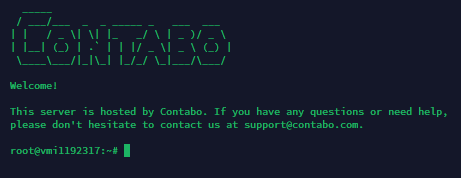
Connect to the virtual server. Then install the required software with the following command:
apt install cloud-utils -yRetrieve information about the system partition in use. In our example (and typically on all Contabo VPS servers) this is sda3:
mount | grep ' / '
Now run the following commands to expand the disk:
sudo growpart /dev/sda 3sudo resize2fs /dev/sda3