


 Registration
Creating an Account in the SpaceCore Client Area
To create a new account in the SpaceCore billing system, follow the steps below.
Step 1. Go to the client area
Go to the client area.
Step 2. Click the "Register" button
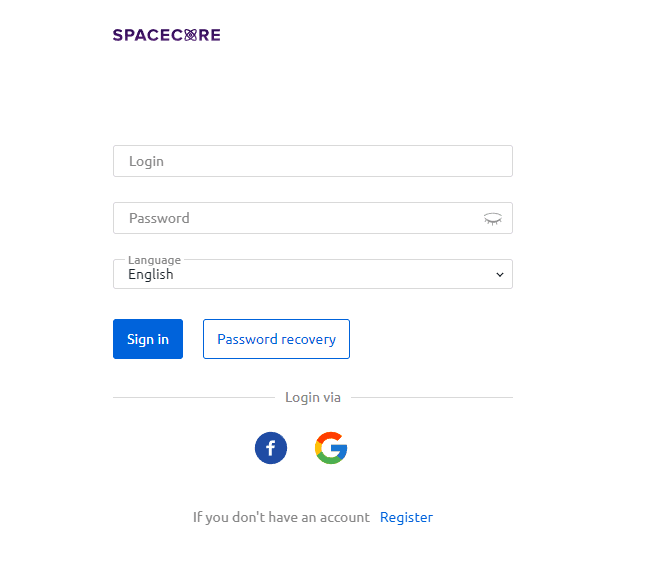
On the login page, click the "Register" button.
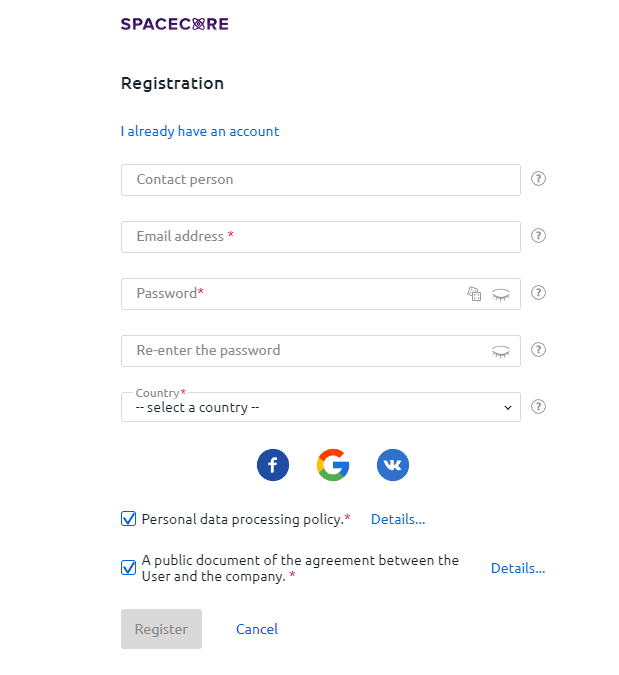
After clicking it, you will be redirected to the page for creating your account. Fill in all contact details or use one of the alternative sign-up methods via third-party services.
Please note: when registering via alternative services, you may encounter access issues if those services experience outages. The most reliable method is registration via email, with optional linking of social network accounts later if needed.
Step 3. Review and accept the agreement
Carefully review all sections of the user agreement and tick the corresponding checkboxes.
Step 4. Complete the registration
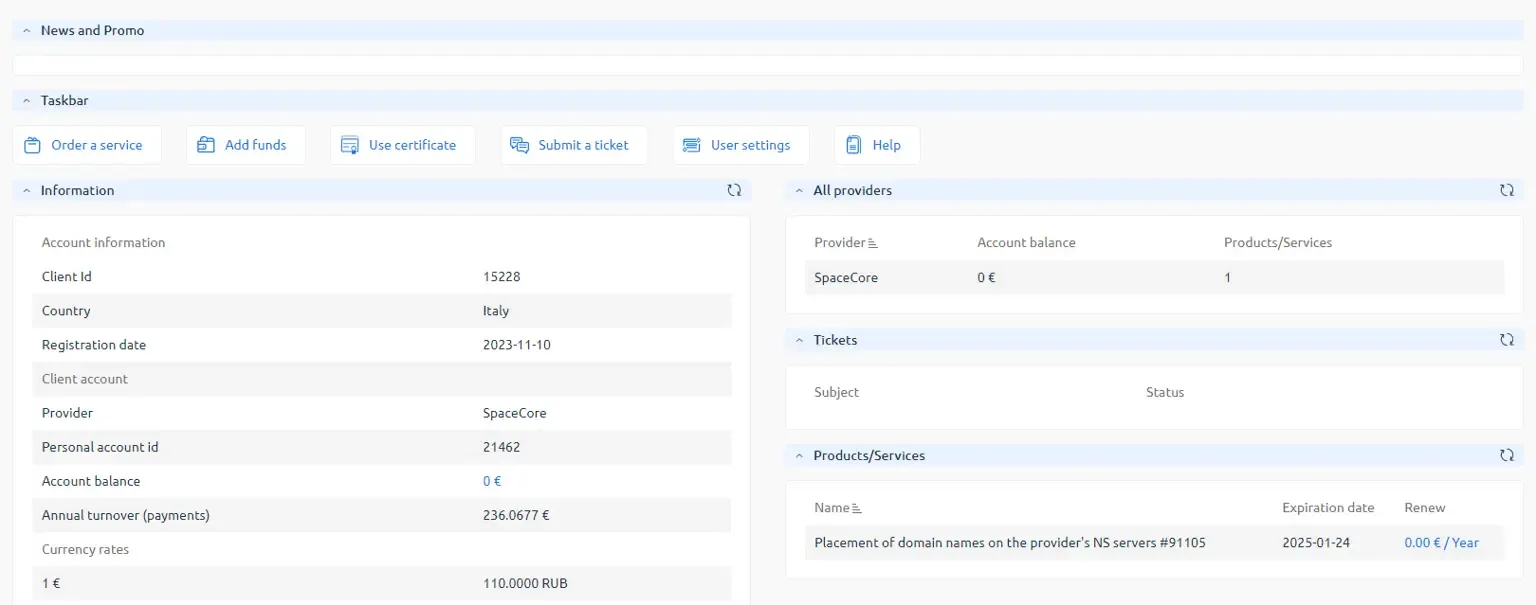
After clicking the "OK" button, you will be automatically redirected to the main page of the client area. Your account has been successfully created.
Step 5. Confirm your email address
We recommend confirming your email address by following the link sent to your inbox. This will ensure you receive all important notifications, including messages about maintenance and other service updates.
🚀 Enjoy your purchases and have a great experience using the SpaceCore service!