


 Registration
Client Section
Client Profile
In this section, you can change the password for your client account and add a mobile phone number.
We currently do not send SMS notifications, so the phone number is used only as contact and visual information.
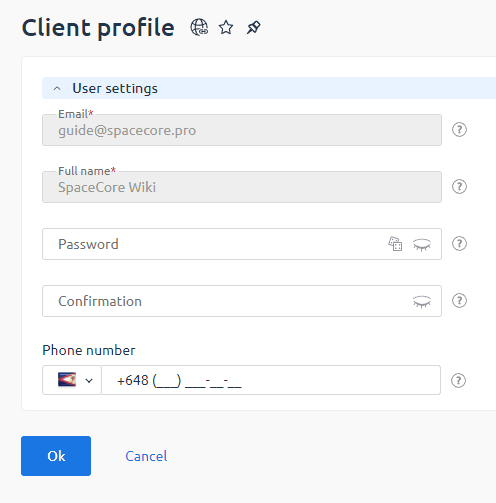
Important: changing the password in this section updates the password only for the client area. It does not affect passwords for other SpaceCore services.
Payers
If you need to add a user who will be able to pay for your services, use this section.
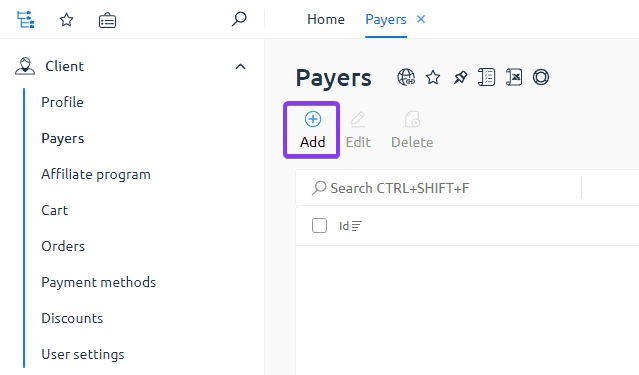
To add a payer, click the «Create» button and enter the contact details of the new user.
- Click «Create».
- Fill in the contact details (including Email).
- If the specified Email is not yet registered, the user must complete registration using the standard flow.
- After the payer is added, the user will receive an email notification.
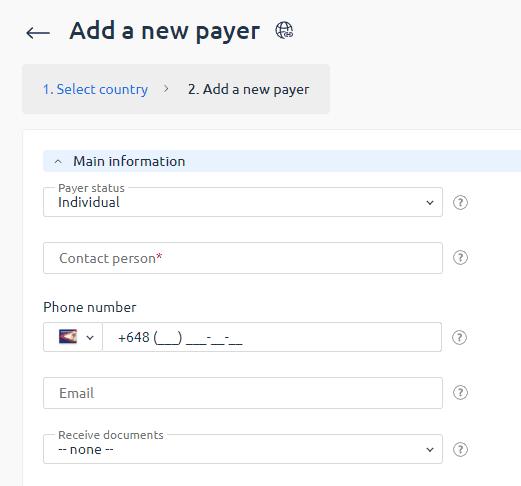
Note: payers do not have access to managing your services (such as deletion, password retrieval, reboot, etc.). They can only pay invoices.
Referral Program
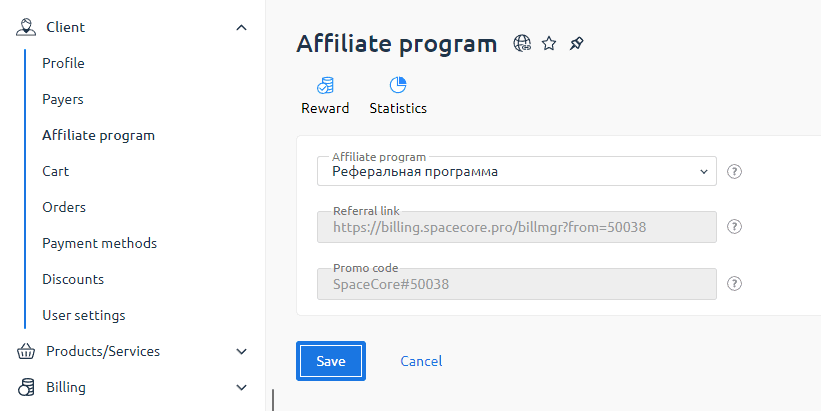
In this section, you gain tools to invite new clients and earn from their orders.
There are two ways to link a client to your referral account:
- Referral link. Copy your personal link and send it to the user. When they register using this link, they automatically become your referral.
- Promo code. If the user registered without the referral link, ask them to enter your promo code when placing an order. The referral program will still be applied.
Once the client is linked to you, all their orders will be reflected in your referral statistics.
Referral analytics is available in two sections:
- «Revenue» — shows the earnings from each referral’s order.
- «Statistics» — displays a list of all clients referred by you.
The standard referral reward is 3% from each order.
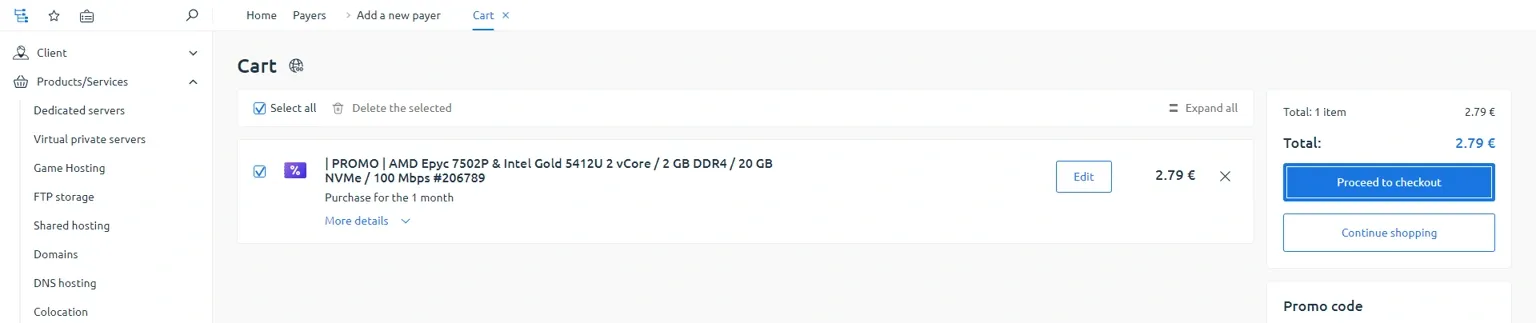
Shopping Cart
The Shopping Cart section displays all servers and services you selected that are pending payment.
On this page you can:
- review the order details before payment;
- apply a promo code if you have one;
- pay for all orders at once.
Orders
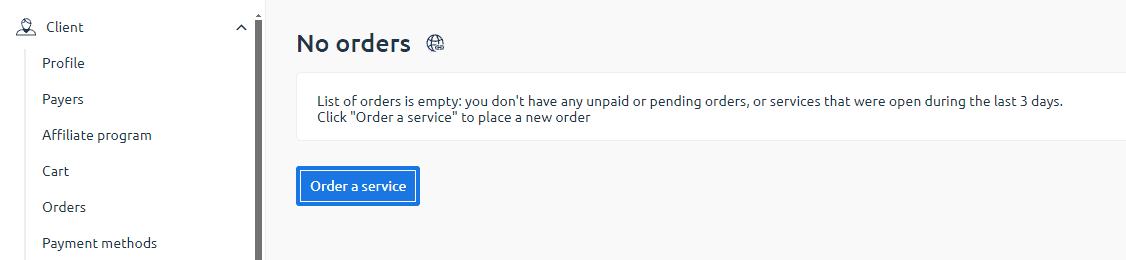
This section displays a list of all your orders.
Here you can view:
- the status of each order (paid, pending payment, etc.);
- the main parameters of the ordered services.
Discounts
This section displays all active discounts available to you.
Note: some promotional tariffs may be located in different regions, so check the hosting location before placing an order.