


Installing TorrServer on a Linux Server
TorrServer is a lightweight and convenient solution for streaming media content directly from torrents. It is easy to set up and works equally well for seasoned torrent users and newcomers who want a simpler way to watch torrent content.
SpaceCore Solution LTD. does not endorse downloading or distributing pirated content.
This guide uses Ubuntu 20.04. The installer also works on all current versions of Ubuntu, Debian, AlmaLinux, Rocky Linux, CentOS and Fedora.
#Connect to the server
Connect to your server over SSH. If you need a refresher, follow our detailed guide on connecting to a Linux server.
#Install TorrServer
Run the command below to launch the automatic installer.
apt-get update
rm torrserver-install.sh
wget https://mirror.spacecore.info/scripts/torrserver-install.sh && bash torrserver-install.sh#Set the credentials
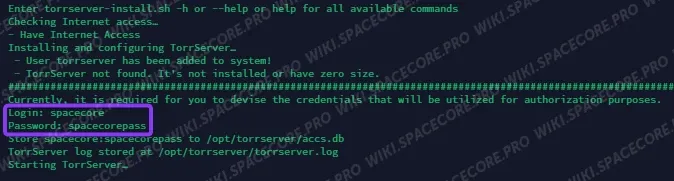
Once the download completes, enter the login and password that you want to use for the control panel. Press Enter to confirm.
#Wait for the installation to finish
Wait for the installation to complete. A success message with a link to the web interface will appear in the terminal.

#Sign in to the panel
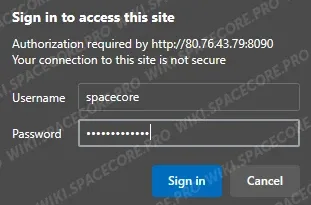
Open the printed URL in your browser and sign in with the credentials you set earlier.
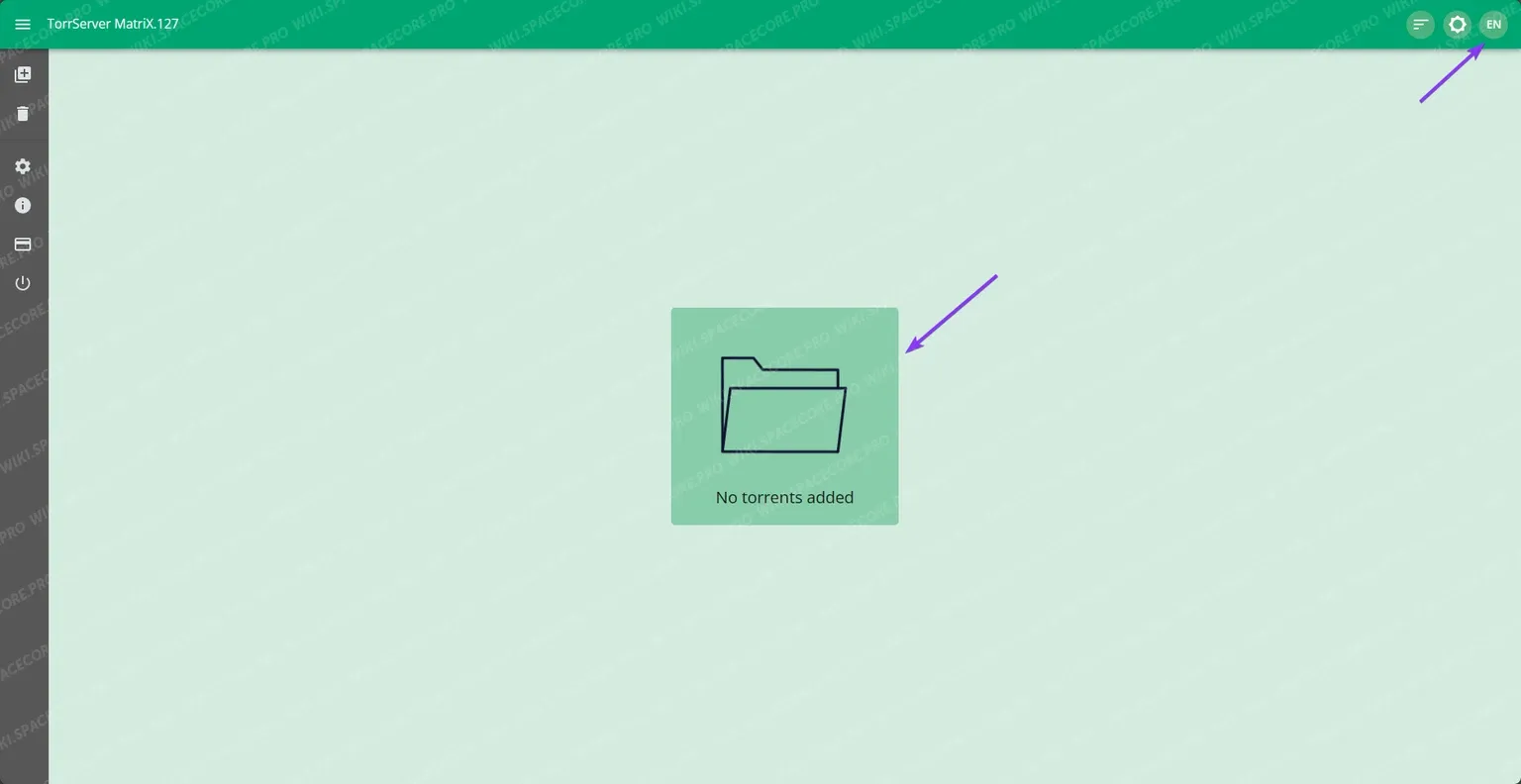
After signing in you land on the TorrServer dashboard. The language switcher sits in the top right corner, while the button in the center opens the add-torrent dialog.
#Add a torrent
In the dialog, paste a magnet link or drop a .torrent file, then click the add button.
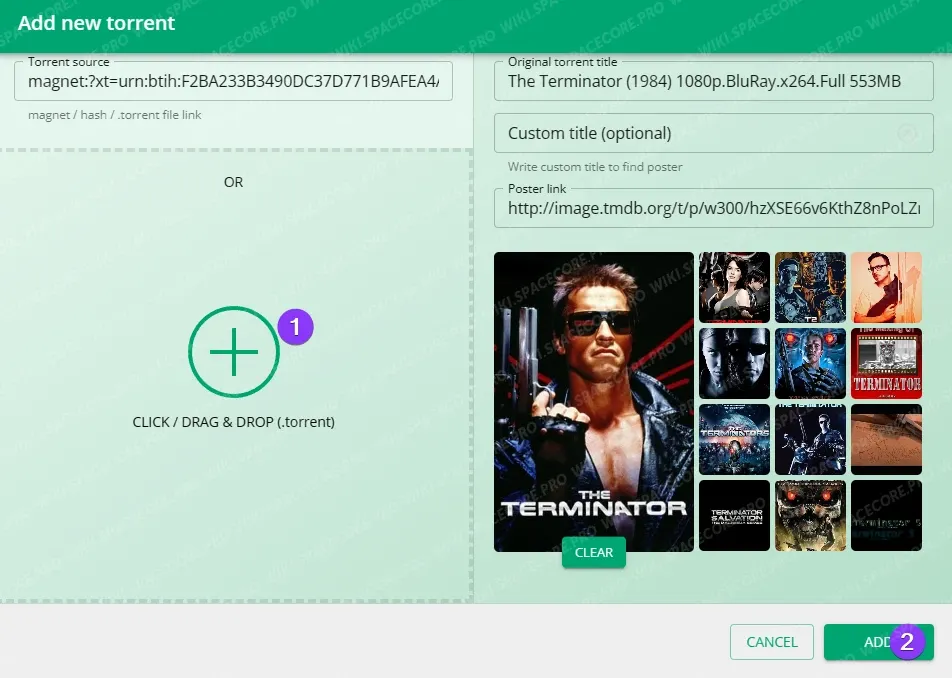
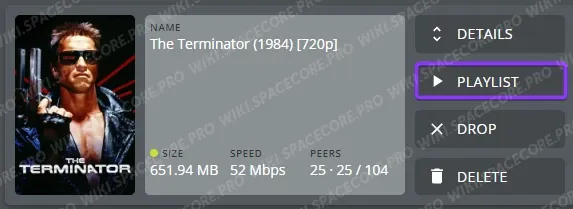
The torrent has been added. You can now download an .m3u file and open it in any player with streaming support, for example VLC Player. The PLAYLIST button on the torrent card fetches the playlist file directly.
#Watch the stream in VLC
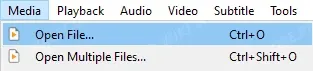
In VLC Player, open the Media menu and pick Open File, then select the downloaded .m3u file.
Enjoy the classics of cinema.

#Uninstall TorrServer
The uninstall is irreversible. All TorrServer data on the server will be removed.
Run the following command to remove TorrServer:
rm torrserver-uninstall.sh
wget https://mirror.spacecore.info/scripts/torrserver-uninstall.sh && bash torrserver-uninstall.shDid not find the answer? We are online 24/7.Contact support