


How to Install JDK 25 (Java 25) on Ubuntu 24.04
This guide describes how to install JDK 25 (Java 25) on a server running Ubuntu 24.04.
#Installing Java on Ubuntu
The openjdk-25-jdk package is available from the Universe repository, so the installation is done with standard tools without adding any third-party PPA.
#Step 1. Enabling the Universe repository
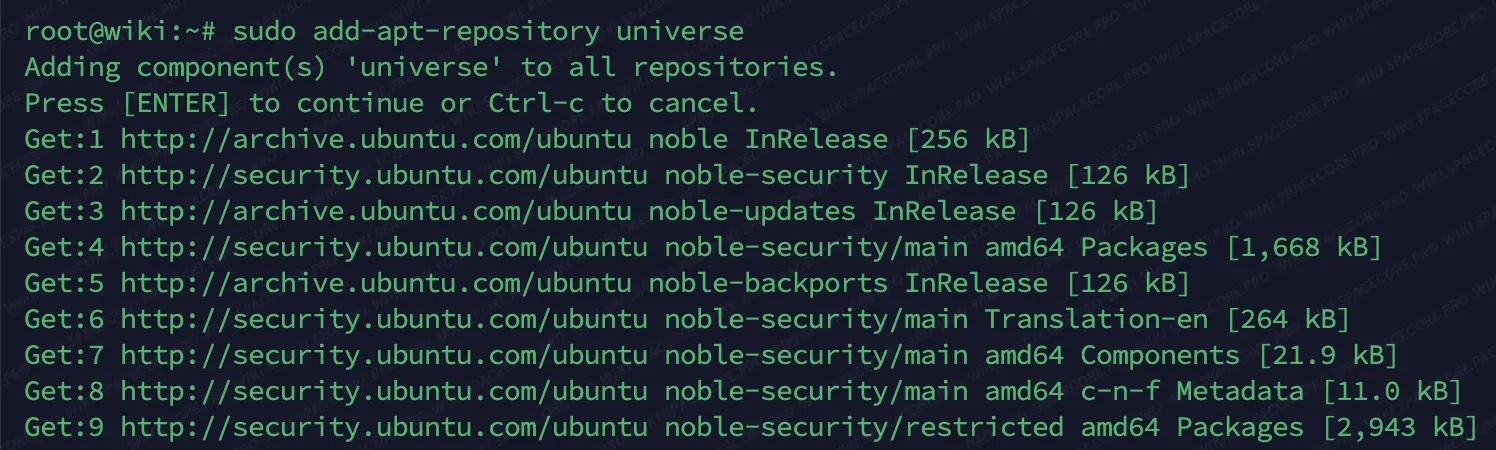
First, enable the Universe repository.
sudo add-apt-repository universeNote that the system may ask you to press Enter to confirm the operation. Do that.
#Step 2. Updating the package lists
Next, update the package lists so the system uses current data about available packages.
sudo apt update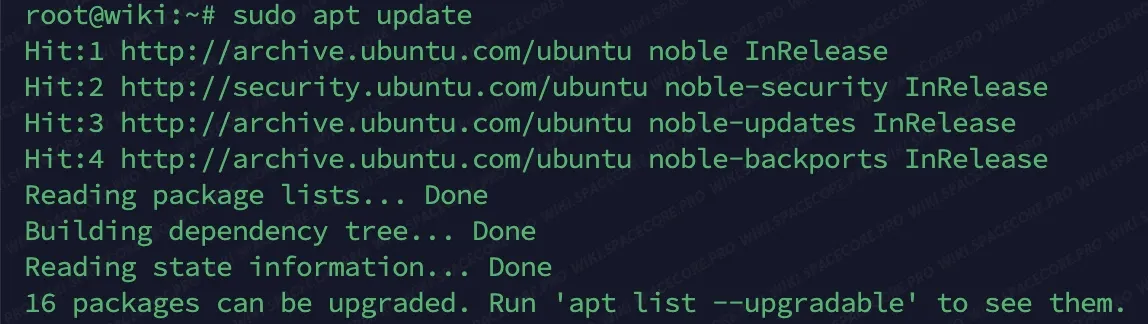
#Step 3. Installing JDK 25
Now install JDK 25 (Java 25) with the following command.
sudo apt install openjdk-25-jdk -yThe process may take a few minutes depending on your network speed and server performance.
#Step 4. Verifying the installation
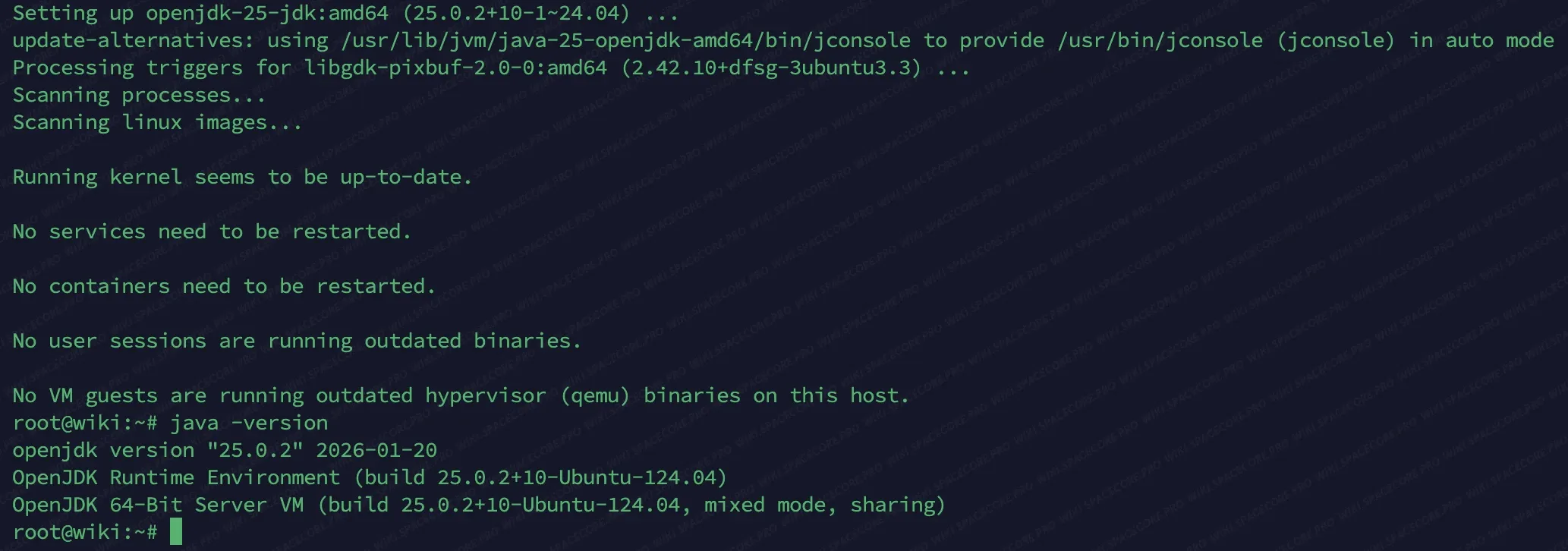
After the installation is complete, check the Java version.
java -versionThe output should look like the screenshot below. This means that the JDK (Java) has been installed successfully and is ready to use.
#Removing Java
If for some reason you need to remove this Java, use the commands below.
sudo apt remove --autoremove openjdk-25-jdkThe command below additionally removes the package configuration files.
sudo apt purge --autoremove openjdk-25-jdkDid not find the answer? We are online 24/7.Contact support