


How to Install JDK 25 (Java 25) on Debian 13
In this guide, we will explain how to install JDK 25 (Java 25) on a server running Debian 13.
#Installing Java on Debian
Debian 13 includes JDK 25 in its repositories by default, so no separate configuration like in Ubuntu is required. Here everything is a bit simpler.
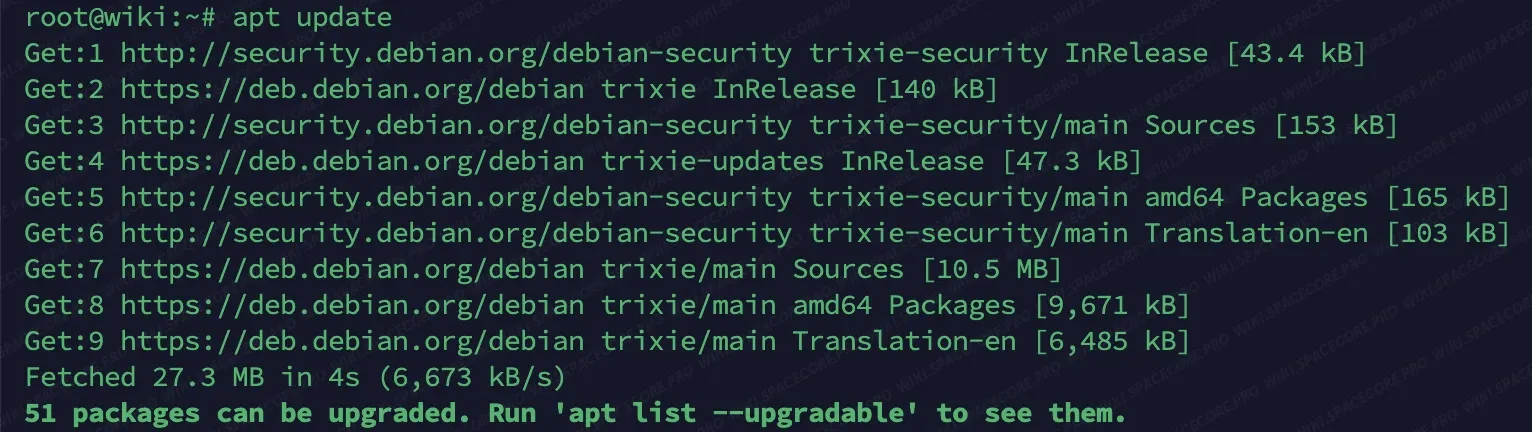
#Step 1. Update the package lists
To do this, use the command below
sudo apt updateIn our Debian images, the sudo package is not installed by default. Run the listed commands without sudo - as the root user. If needed, sudo can be installed with the command
#Step 2. Installing JDK 25
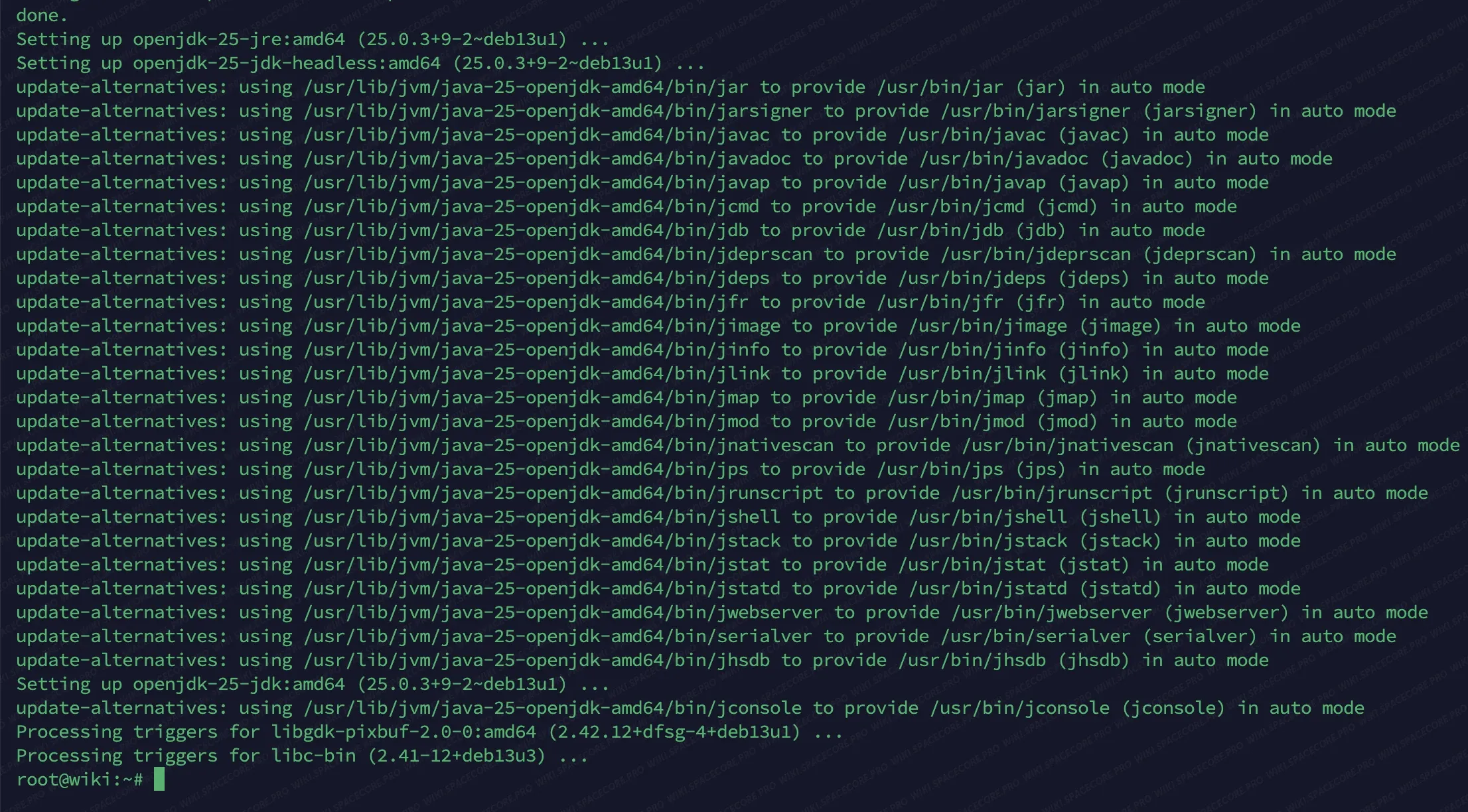
Next, we will install the JDK 25 package using the command below
apt install openjdk-25-jdk -yThe process takes a couple of minutes on average. This depends on the network speed and server performance.
#Step 4. Verifying the installation
After the installation is complete, we will check the Java version.
java -versionThe output should match the screenshot below. This way you can make sure that Java is installed and fully ready to use

#Removing Java
If you have decided to remove this Java, use the commands below
apt remove --autoremove openjdk-25-jdkThe command below also removes the Java package configuration
apt purge --autoremove openjdk-25-jdkDid not find the answer? We are online 24/7.Contact support